Boost your business through TikTok integration with SHOPLINE
Attract new customers and boost sales with the TikTok integration on the SHOPLINE platform. Easily sync your product catalog, install the most advanced TikTok advertising pixel to track campaign performance, and launch ad campaigns to target your audience.
Turn discovery into purchases with TikTok Ads
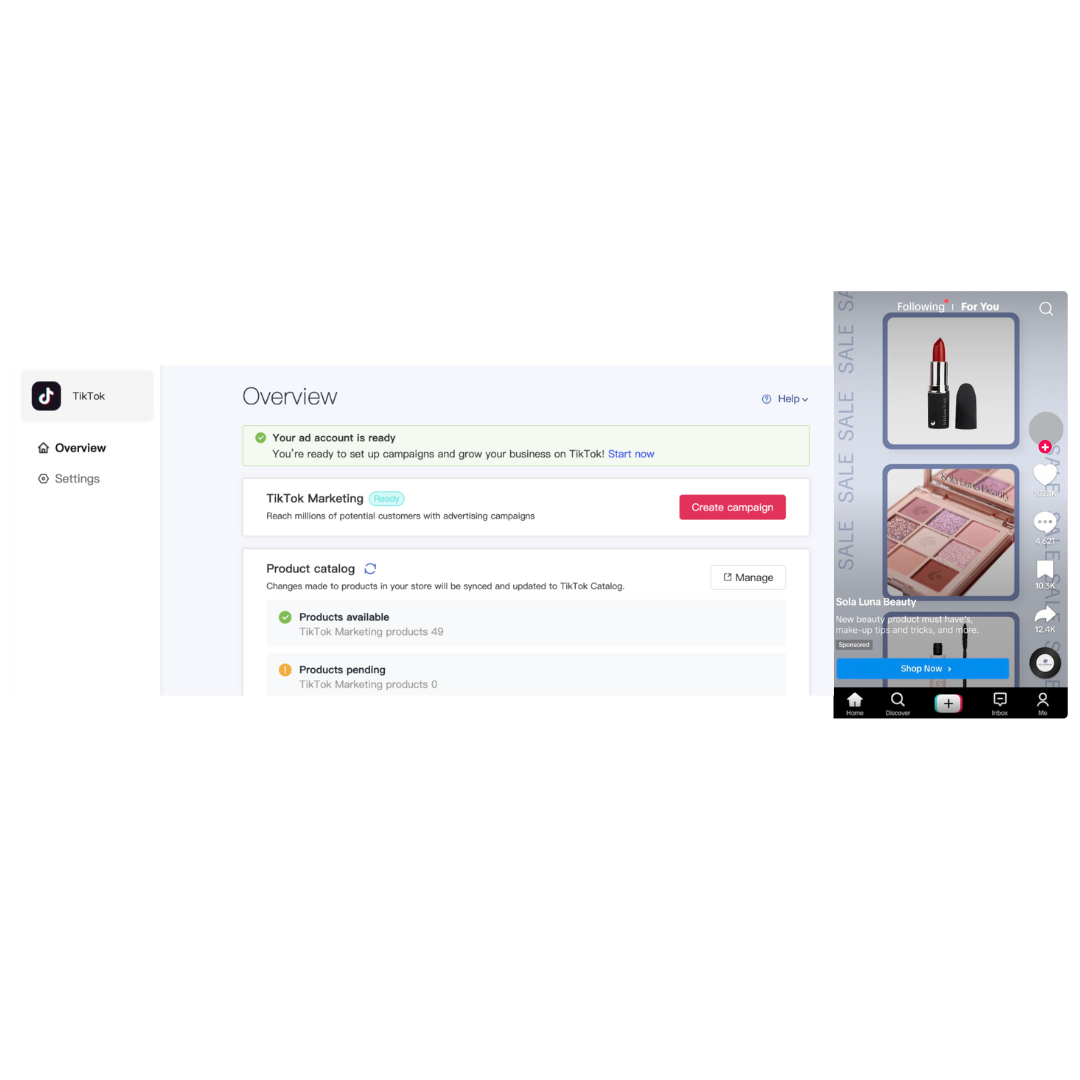
Enhanced Advertising Efficiency: Improve ad campaigns with both browser and server-side data connections, gaining richer insights into customer behavior and campaign effectiveness.
Get started with TikTok For Business with one click: Connect your TikTok For Business account, TikTok Ads Manager and TikTok Business Center, install the TikTok Pixel and sync your product catalog with minimal effort.
Effective Campaign Management: Launch targeted lead generation and conversion campaigns that resonate with TikTok's engaged community.
Real-Time Catalog Sync: Ensure merchants' product catalog is always up-to-date with automatic synchronization, enabling more effective campaigns and access to diverse ad formats.
Getting started with TikTok for SHOPLINE: a simple step-by-step guide
1.
Set up a store on SHOPLINE
2.
Install the TikTok App in your SHOPLINE store
3.
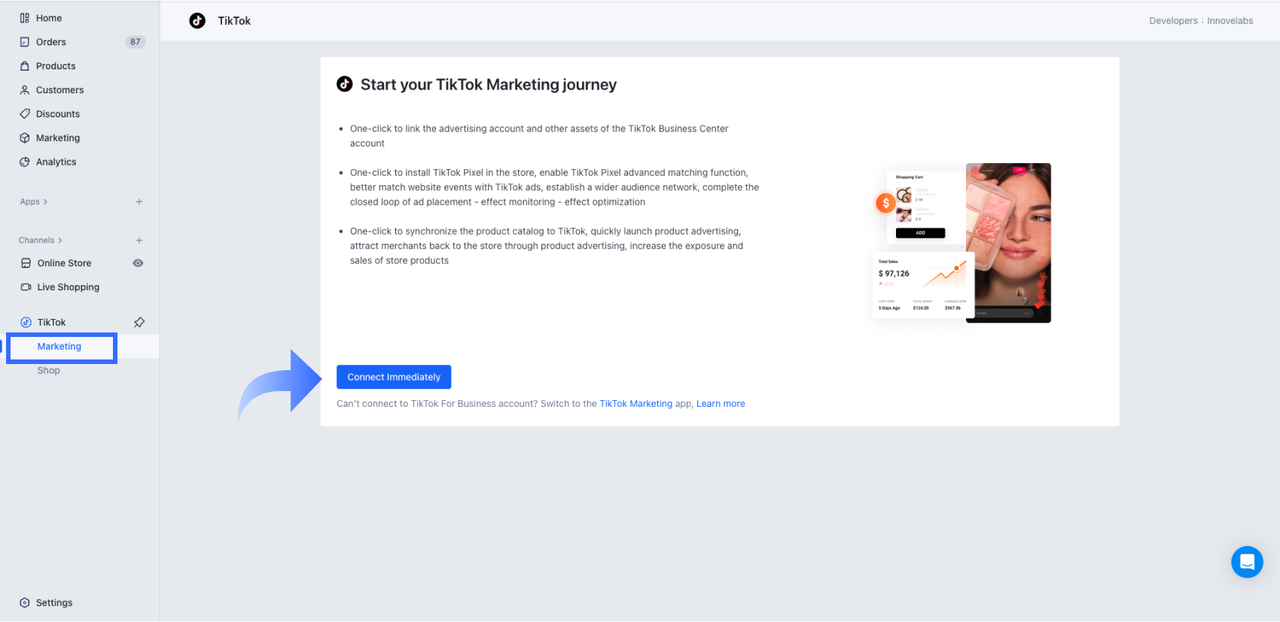
Go to TikTok Channel > Marketing and click 'Connect Immediately'
4.
Follow the prompts to log in or create your TikTok accounts
5.
Connect or create a new Ad Account and connect your TikTok Pixel to maximize campaign performance